Practical guide

How accountants can save time on ERP voucher entry
Entering a bill is rarely just entering a bill. Someone has to find it, decide which company it belongs to, check the details, and follow up when something is missing.
Totum helps move that work from the source document to a prepared accounting action. Your team reviews the entry and handles the exceptions.
Start with the source document
Bring the bill into Totum through an upload or a configured Gmail, WhatsApp, or Slack workflow. Keep the source document available so the reviewer can compare the proposed entry with what was actually supplied.
For example, a supplier invoice arriving by email can become accounting work for the team. The goal is to avoid copying the same information from the inbox into a separate task and then into the books.
Prepare the entry in the right company
Confirm the company before preparing the accounting action. Check the party, invoice reference, date, amounts, and the ledgers involved. If information is missing or unclear, resolve it before posting.
For teams managing several entities, this check matters every time. A supplier may work with more than one company, and a familiar name does not identify the correct set of books.
Review, approve, and confirm the posting
Totum’s write flows connect the prepared action to the accounting system. In a Tally workflow, the entry proceeds through the configured review and approval before the connected system records it.
Check the outcome after approval. If a connector is unavailable or the accounting system rejects the entry, resolve that issue and confirm the result before marking the work complete.
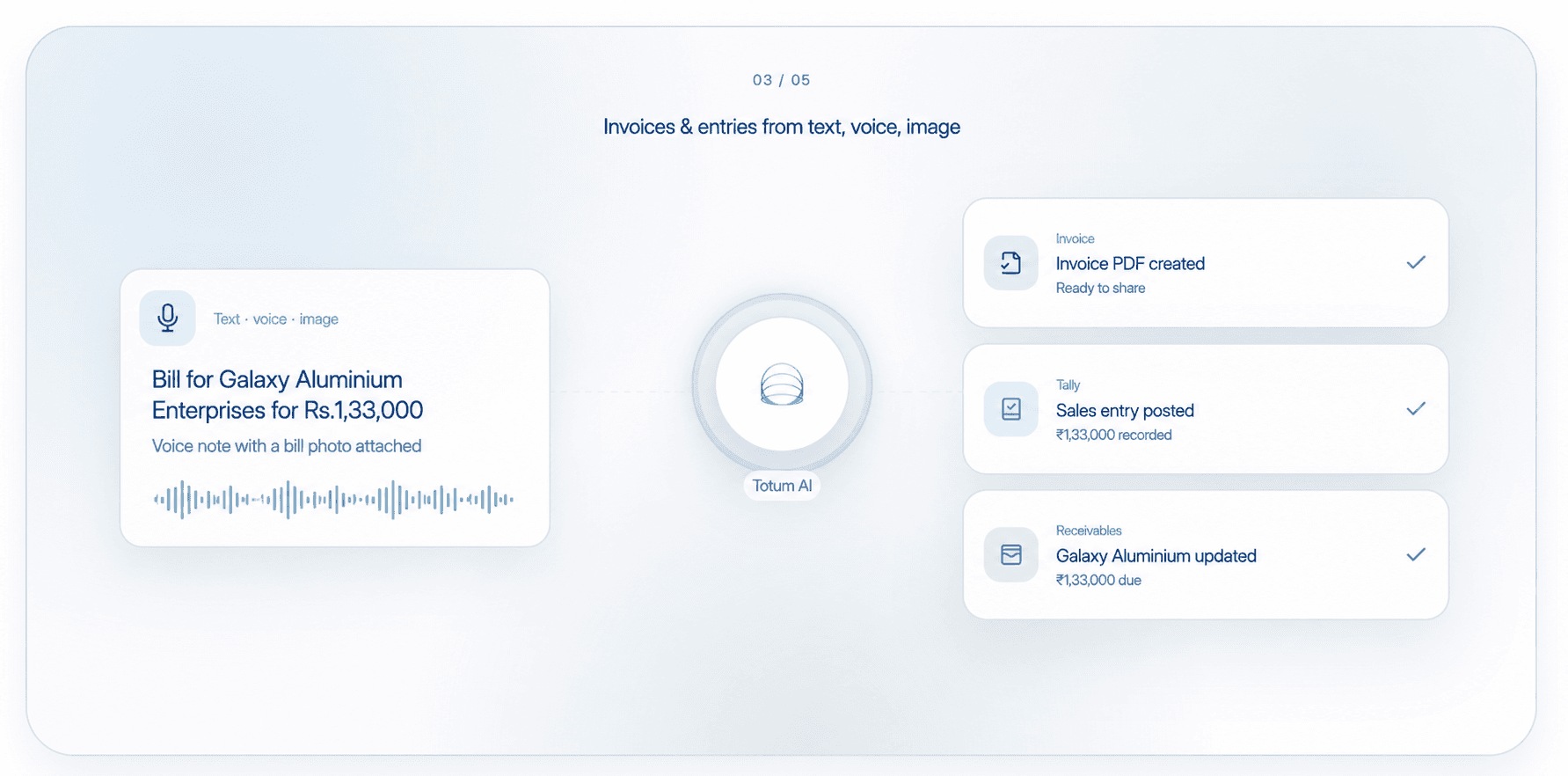
- Compare the prepared entry with the original document.
- Resolve missing details and check the selected company.
- Approve through the configured workflow.
- Verify the posting result in the connected accounting system.
Use reconciliation to check what comes next
An entry can still need to be matched to a payment or checked against a supplier statement. TDS, GST, bank, and vendor reconciliation helps the team investigate the differences that remain.
For older bills, look at the relevant period and supporting records before assuming an entry is missing. Posting the same bill again can create more work.
Measure the complete job
A finance company using Gmail and Totum reports saving 40 hours a month. That is a result from its accounting workflow, not a promised saving for every team.
Measure document collection, preparation, review, and correction time together. A useful automation reduces effort across the job, including the work needed when something goes wrong.
Get started
Automate your accounting with Totum AI
Entries, invoices, reconciliation, and reports. One workspace for your accounting team.
Start for freeKeep reading